

Paper cutting machines in production suffer from a common set of problems that affect productivity and cost. Many operators see poor cutting accuracy, uneven cuts, stack walks, or uneven pressure, and automatically suspect a major mechanical problem. However, my experience servicing hundreds of installations over the years is that this is not the case: most paper cutting machine issues are not random breakdowns, they are typically caused by wear, setup, calibration, or maintenance issues, and can be systematically diagnosed and resolved.
Operators often mistake cutting problems for machine failure, but often problems are due to worn blades, poor setup, maintenance, or calibration. The best way to fix most paper cutting machine problems is to identify and fix the underlying causes, rather than symptoms.
Why Paper Cutting Machine Problems Often Happen
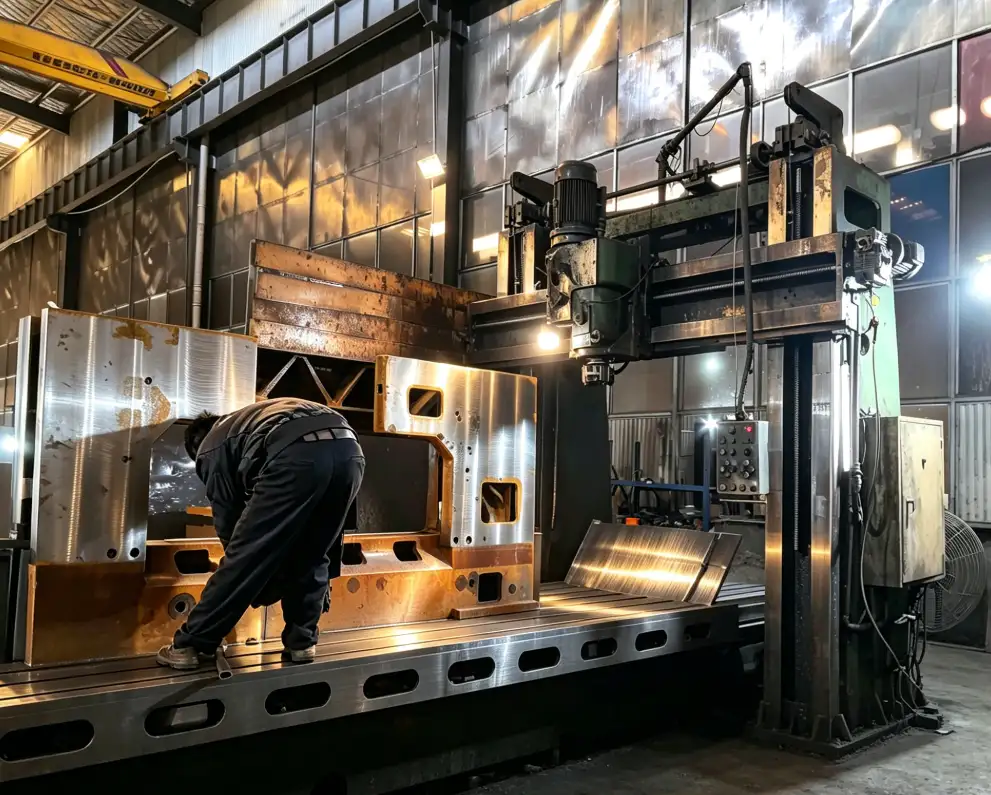
Having spent 20 years in the industrial cutting business, I know that problems don’t just suddenly happen. They are usually the result of normal use.
The most frequent root causes include the natural wear and tear to blades and components, inconsistent setup routines across shifts, missed or partial maintenance routines, operator error from pressure to meet production, and drift in setup that only becomes apparent when a product quality problem emerges.
Here’s a summary of the impact of each of these root causes:
| Root Cause | Typical Impact |
| Blade wear | Poor cut quality, rough edges |
| Misalignment | Inaccurate cuts, waste increase |
| Weak maintenance | Higher downtime risk |
| Improper setup | Production defects, rework |
| Calibration issues | Repeat errors, inconsistent results |
These links help you change from fireman to troubleshooter.
Problem #1 — Inaccurate or Uneven Cuts
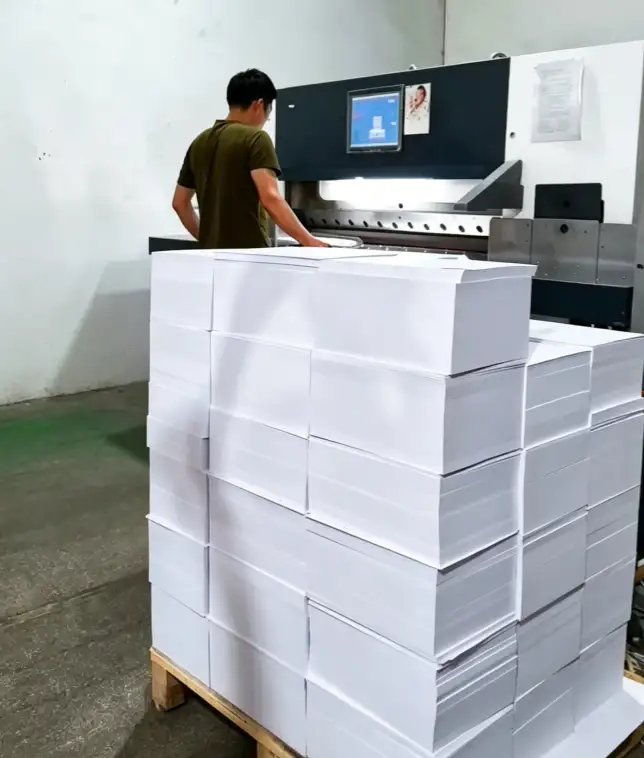
The most common complaint I hear is that the cuts aren’t as straight or even as they should be. This is frustrating for the operator as it impacts all downstream operations.
Common Symptoms
- Cuts that are 1-2 mm off spec
- One side of the stack clean and the other not
- Variation from top to bottom of the pile
Likely Causes and Step-by-Step Solutions
| Possible Cause | Solution |
| Back gauge misalignment | Recalibrate using test cuts and dial indicator |
| Material shifting | Check and adjust clamping pressure |
| Dull blade | Sharpen or replace immediately |
| Setup errors | Re-align stack with proper jogging |
Preventive measures that actually work:
- Set up a daily back gauge zero check.
- Teach operators to align the stack before cutting.
- Monitor the accuracy of cuts to detect drift.
Problem #2 — Dull Blade or Poor Cutting Quality
Rough edges, burrs, or tears are usually the result of a dull or poor quality blade. Sharp blades are key to a good cut.
Typical Symptoms
- Fuzzy or squashed edges
- Teared instead of sliced edges
- Increased dust or paper particles
Cause and Recommended Fix
| Cause | Recommended Fix |
| Blade wear | Re-sharpen or replace |
| Wrong blade angle | Adjust setup to match material |
| Poor material condition | Check incoming stock quality |
| Overused blade | Implement strict blade change schedule |
Maintenance guidance:
Check the cutting edge in good light each morning. If you’re using a high-speed machine, use two blades, stowing one for eventual sharpening. Keep in mind that a sharp blade will not only increase quality, but also put less strain on the drive system.
Problem #3 — Paper Stack Movement During Cutting
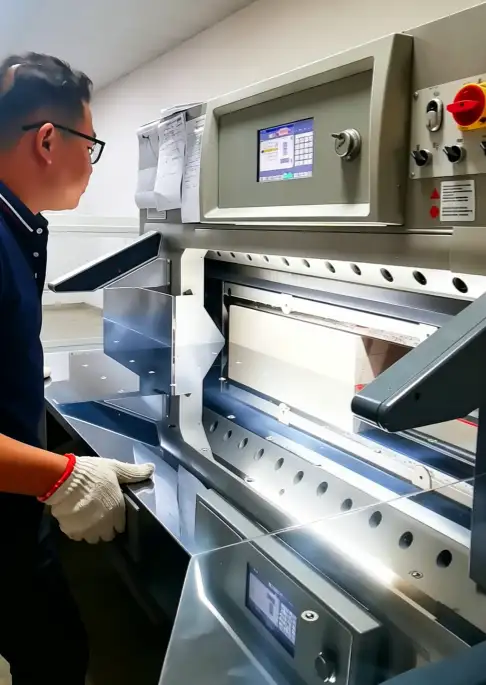
Paper stack movement during cutting is risky and costly. This results in inaccurate cutting, as well as material and blade damage.
Main Causes
- Insufficient clamp pressure
- Misaligned or uneven stack
- Slippery or coated stock
- Worn clamp components
Practical Solutions
| Cause | Solution |
| Insufficient clamp pressure | Adjust clamp pressure settings |
| Misaligned stack | Re-position and jog material properly |
| Slippery stock | Use proper setup aids or anti-slip sheets |
| Clamp wear | Inspect and service clamp mechanism |
Educate operators to visually inspect that the clamp is holding the entire stack before the knife is lowered.
Problem #4 — Back Gauge Positioning Errors
The back gauge is essential for ensuring the correct sheet size. When it’s off, each sheet is at risk.
Symptoms and Impacts
- Packets of consistently short or long cut sheets
- Different lengths to first and last cut in a lift
- Error messages on digital readouts
Corrective Actions
| Cause | Corrective Action |
| Gauge calibration drift | Recalibrate according to manual |
| Servo positioning error | Inspect controls and connections |
| Mechanical wear | Check components for play |
| Operator programming issue | Review and verify settings |
Most position errors can be detected by making a test cut on scrap material each day.
Problem #5 — Hydraulic or Mechanical Pressure Issues
This is vital for both clamping and cutting. Variability leads to all sorts of problems.
Common Issues
| Issue | Possible Cause | Solution |
| Weak pressure | Hydraulic issue | Inspect system for leaks |
| Uneven pressure | Mechanical wear | Service components |
| Pressure fluctuation | Fluid issues | Check levels and condition |
Most problems can be avoided by checking and replacing hydraulic fluid and filters.
Problem #6 — Machine Vibration or Unstable Operation
If the machine vibrates or is unsteady, it is out of balance.
Typical Causes and Solutions
| Cause | Solution |
| Loose components | Perform thorough tighten inspection |
| Blade imbalance | Service or replace blade |
| Machine instability | Check and level foundation |
| Wear in drive components | Schedule maintenance repair |
Vibration can also cause wear in other components.
Problem #7 — Control or Automation Errors
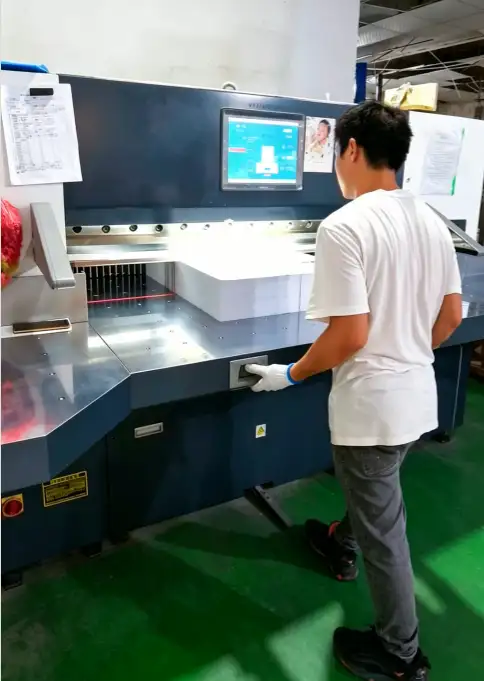
Today’s servo-driven paper cutting equipment does not fail often, but when problems arise, they can shut down the line.
Common Fixes
| Error Type | Possible Fix |
| Programming error | Review and correct settings |
| Sensor fault | Inspect and clean sensors |
| Control glitches | Reset and run diagnostics |
| Servo issues | Service check by qualified technician |
Never assume complicated electronics, check for dirt and loose cables.
Preventive Maintenance Practices That Reduce Common Problems
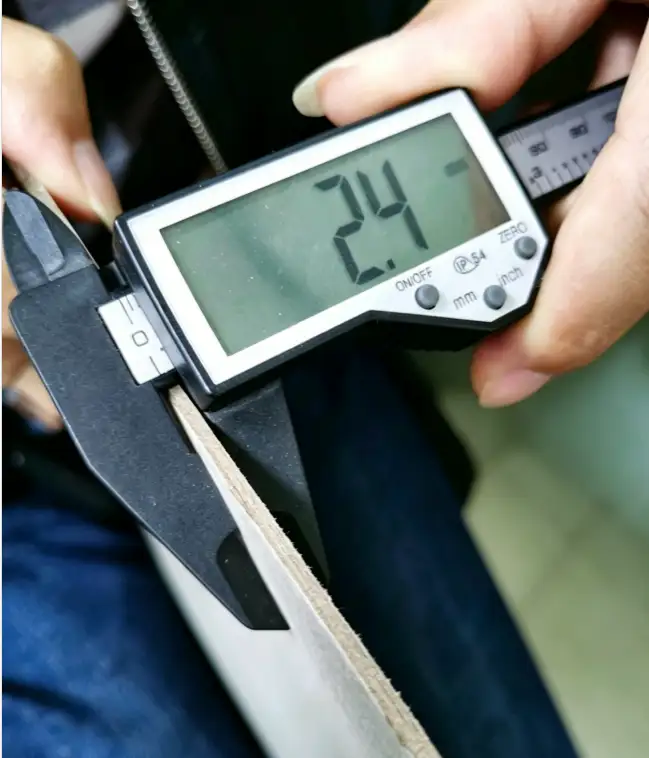
The best way to fix paper cutting machine problems is to avoid most. The right maintenance schedule is well worth the time.
The following schedule is a good rule of thumb:
| Maintenance Task | Frequency | Benefit |
| Blade inspection | Daily/Weekly | Consistent cut quality |
| Calibration checks | Routine (weekly) | Maintained accuracy |
| Lubrication | Scheduled | Improved reliability |
| Hydraulic inspection | Periodic | Pressure stability |
| Safety checks | Routine | Risk reduction |
Document everything. A basic log book can highlight patterns before they become problems.
Troubleshooting Checklist Before Calling for Service
Follow this checklist before you call for service. You may solve the problem or give the service provider some useful information.
- Blade condition – Source of many problems
- Clamp pressure – Stability check
- Calibration – Check accuracy problems
- Material setup – Setup check
- Control settings – Negate control issues
Common Troubleshooting Mistakes Operators Make
Sometimes even experienced operators make these mistakes:
- Fixing symptoms, not problems
- Neglecting blade maintenance until problems arise
- Neglecting to periodically calibrate
- Tinkering with settings without an issue
- Running until it breaks
Believing automation errors always have to do with software
Conclusion — Most Problems Can Be Prevented or Solved Systematically
Most issues with paper cutting machines are not related to complete equipment failure but rather maintenance, calibration, setup or wear which can be addressed by systematic troubleshooting and proactive maintenance.
Know the root causes, practice good maintenance, and troubleshoot with a system, and you can minimise downtime and keep cutting with high accuracy every day. Our machines at DAIS are built to last – with proper maintenance and operation, they will.
Emphasise prevention and root cause diagnosis, and most paper cutting machine problems are easily solved.